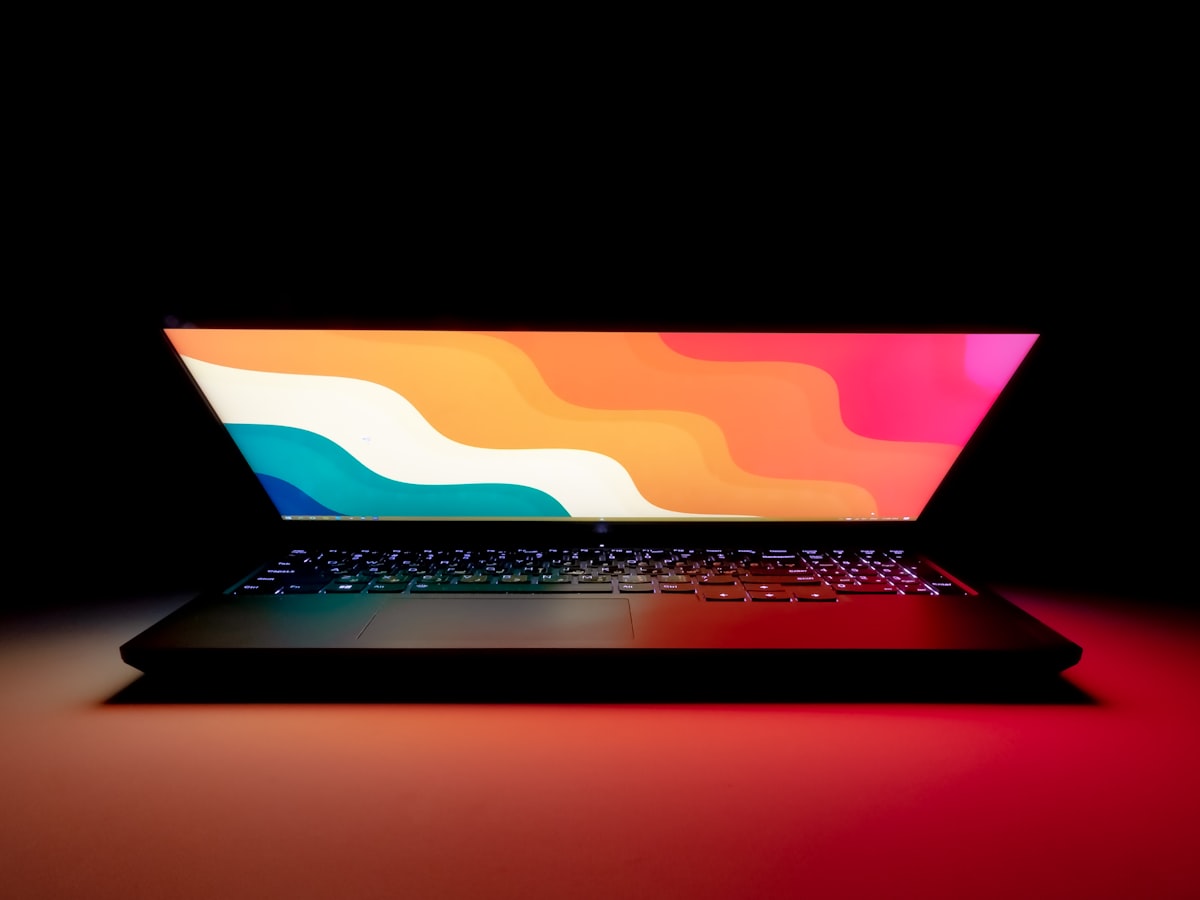
Samsung’s Galaxy Chromebook Plus 15.6-inch AMOLED line is the current pick. CPU branding, 8GB RAM, and 256GB storage differ by region — verify the XE… model on samsung.com for your country before you click a deal.
8GB and 256GB are tight if you also keep Android apps and offline media. If you need more, you are usually happier on a Windows student laptop. If you do not, the AMOLED panel and simple OS are the point.
ChromeOS is the product. Updates, verified boot, and a simple sign-in are why schools like it. Linux containers and Android apps are extras, not a promise that Visual Studio will run. If the syllabus says “Windows required,” leave this hub. If the syllabus is Classroom, Docs, and a cheap tablet for PDF markup, stay.
Region SKUs matter more on Chromebooks than on many Windows laptops because keyboards, LTE, and Play eligibility change by XE number. Samsung’s US starting price band around $775 is not the UK or EU cart total. Open samsung.com for your country, match the XE string, then use our listing as the spec explainer.
AMOLED at 15.6 inches is the display reason to pick this over a gray TN Chromebook from a grocery-store endcap. 8GB RAM is the reason not to pick it for heavy Android plus twenty Classroom tabs. There is no SODIMM. Battery claims belong on Samsung’s sheet for that XE model. We do not hold Chromebook inventory.
Compared with Aspire 5, you trade Windows software compatibility for OS simplicity and a better panel at a similar bag size. Compared with MacBook Air-class machines, you trade macOS and unified memory for ChromeOS price. This hub stays laptop-adjacent on purpose: it is still a computer you put in a backpack, not a tablet with a keyboard folio we do not list.
Who this is for. Students and light-work users whose entire day is Chrome, Docs, and streaming.
 Chromebook