Creator machines are defined by the panel and the memory pool, not by a “creator” sticker. If you grade photo or timeline in a NLE, you want color volume and enough RAM that the project does not page to disk.
1 laptop·Spec-verified
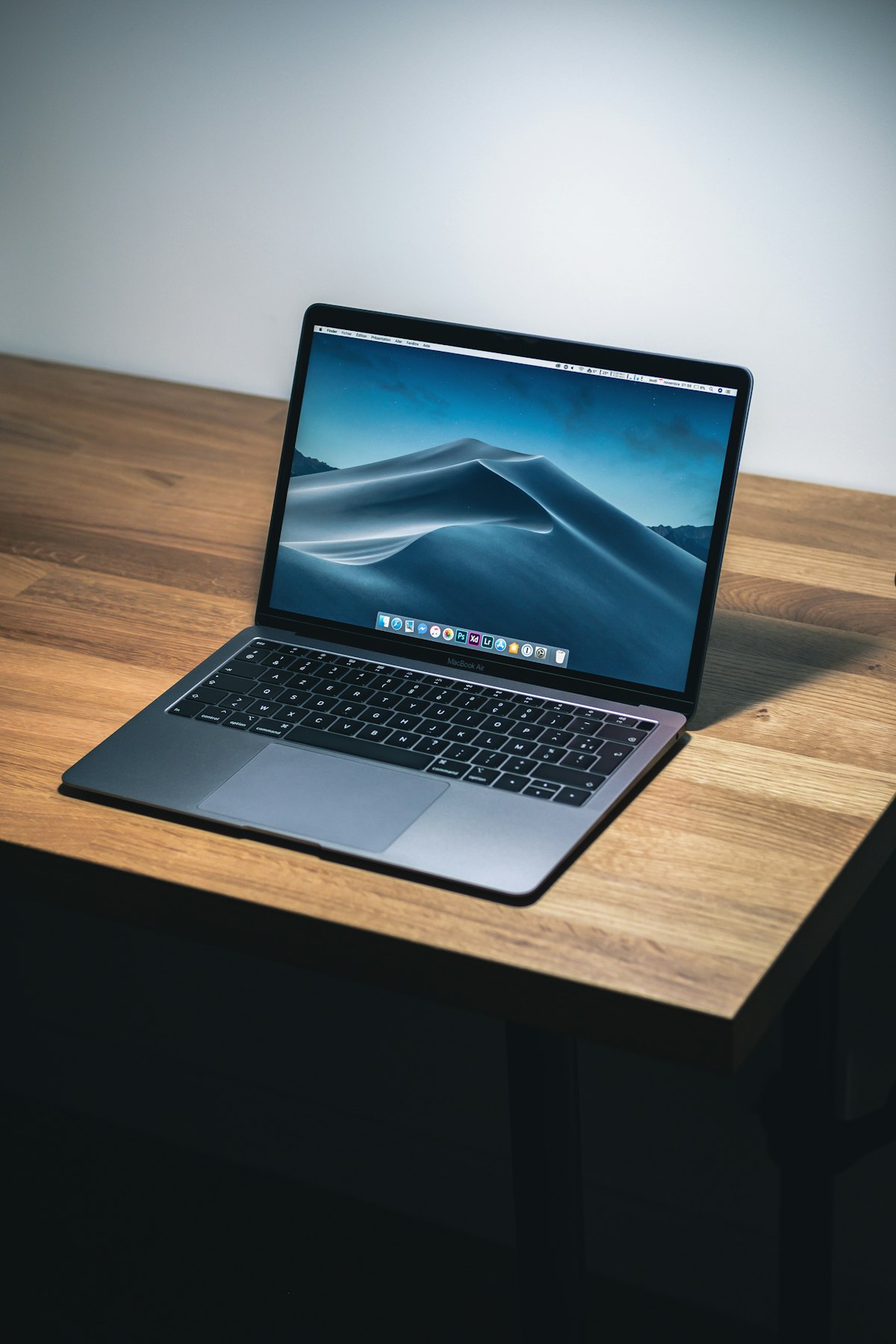
The 14-inch MacBook Pro with M3 Pro in this catalog is the reference: 18GB unified memory on the base config, a 3024×1964 Liquid Retina XDR panel, and ProMotion. Higher M3 Pro/Max configs change CPU/GPU core counts — buy the memory you need now; it is not upgradable.
Windows creator alternatives in adjacent categories (XPS ultrabooks, Precision workstations, OLED Zephyrus) can match the panel better than they match the battery. If your stack is Adobe on Windows or CUDA plugins, stay on NVIDIA. If your stack is Final Cut, Logic, or Xcode, the MacBook is the shorter path.
We keep a separate long-form comparison for six creator notebooks under $1,500, including Vivobook OLED and XPS 14 configs that are not duplicated as catalog cards. Use that guide when the budget is the constraint; use this category when you want the machine we would actually put on a desk for paid work.
Color volume and factory calibration claims are SKU-specific. Apple publishes Liquid Retina XDR numbers for the 14-inch Pro; Windows OLED gaming laptops publish DCI-P3 coverage that is not the same as a reference monitor. If you bill for color, bring a puck and a known profile, or buy a workstation quote with an ISV display option.
Memory ceilings are the other creator trap. Soldered 18GB or 32GB unified/LPDDR is common. If you know you will exceed that in two years, buy the higher config now or pick a chassis with SODIMMs (some Legion units). Storage is cheaper to get right at purchase than to rely on a single external disk you will forget on a shoot.
Who this is for. Photographers, video editors, and developers who will notice a weak panel and a 16GB ceiling.
Specifications follow Apple’s published tech specs for the 14-inch MacBook Pro with M3 Pro (introduced November 2023). Higher-end M3 Pro/Max configs change CPU/GPU core counts and memory options.
 Creator